5 Reasons Your Clients Secretly Hate Your Google Drive Links
 vamsi krishna
5 Reasons Your Clients Secretly Hate Your Google Drive Links
You’ve done the hard part. You’ve spent weeks planning the shoot, 10 hours on your feet at a wedding in Hyderabad, and 40 hours meticulously color-grading every frame. Your work is a masterpiece.
Then, you do the "Standard Professional Move": You upload everything to a folder named “Final_Edits_Wedding_v2”, hit "Anyone with the link can view," and send that blue-and-white Google Drive link over WhatsApp.
You think you’re being efficient. But on the other side of that screen, your client is likely sighing in frustration. In 2026, clients don’t just want their files; they want an experience.
Here are the 5 biggest reasons Google Drive is quietly killing your client satisfaction—and how Pixmatch fixes it.
1. The "Sign-In" Wall of Death
We’ve all been there. You send the link, and five minutes later, your phone buzzes. “Sir, it’s asking me for a password.” “I don’t have a Gmail account, can you send it another way?”
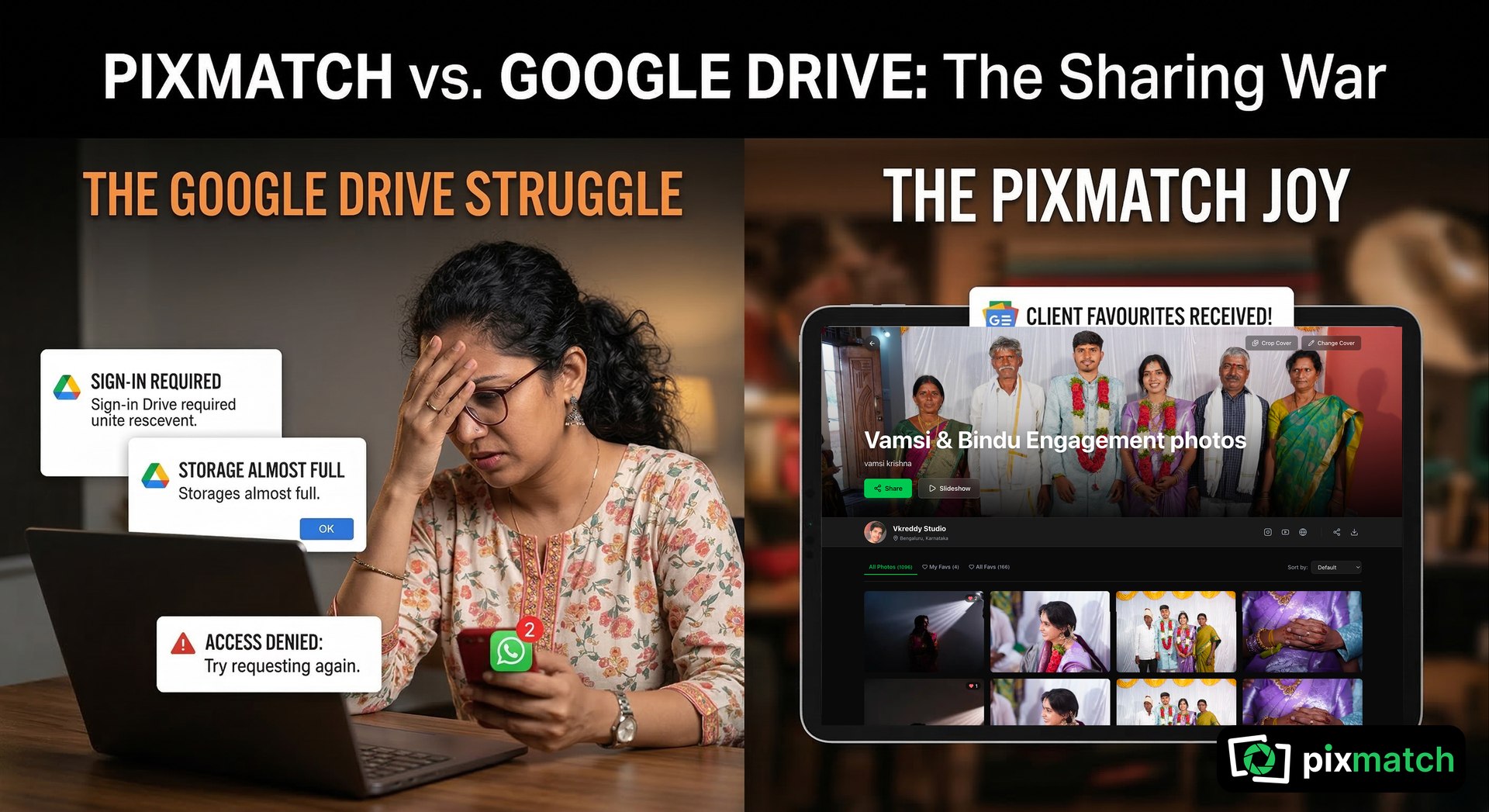
Even when you set permissions to "Public," Google often nudges users to sign in for a "better experience" or to "Join the Folder." For a bride’s 70-year-old grandfather or a busy corporate marketing manager, this is a roadblock. They don’t want to manage a cloud account; they just want to see their photos.
The Pixmatch Difference: Pixmatch galleries are truly "Link-First." One click, and the gallery opens instantly in any browser. No logins, no Gmail prompts, no friction. Just your art, front and center.
2. The Mobile Experience is… Clunky
In India, 90% of your clients will view their photos for the first time on a smartphone. Opening a Google Drive link on a phone is like trying to look at a museum through a keyhole.
The Folder Maze: Clients have to click into sub-folders, wait for thumbnails to load (slowly), and accidentally click "Move" or "Delete" when they meant to "View."
The Thumbnail Lie: Google Drive shows low-res, blurry previews until the file is fully downloaded. Clients often think your photos are "out of focus" simply because Drive hasn't rendered the preview properly.
The Pixmatch Difference: Pixmatch is built for the Mobile-First Client. It looks like a high-end social media feed—fluid scrolling, beautiful full-screen previews, and an interface that feels like an app without needing to download one.
3. The "Which One Was It?" Selection Nightmare
The most painful part of a photographer’s job is "The Selection." You send 500 photos and ask the client to pick 50 for the album. On Google Drive, the client has to:
Open the link.
Write down the file names (e.g., IMG_8422.jpg).
Send you a long, messy WhatsApp list.
You then have to manually search your database for those numbers.
It’s 2026. This manual "match-the-number" game is a waste of your creative time.
The Pixmatch Difference: Pixmatch has a built-in Selection Tool. Your client simply taps a "Heart" icon on their favorite photos. You get an instant notification with the exact list of chosen files. No spreadsheets, no WhatsApp lists, no errors.
4. Zero Branding: You Look Like a "File Manager," Not an Artist
When you send a Drive link, you are giving Google free advertising. Your client sees Google’s logo, Google’s colors, and Google’s interface. You are a brand. Whether you are a solo freelancer or a big studio, every touchpoint should scream your name. Sending a generic link feels like delivering a high-end designer saree in a brown paper grocery bag. It’s functional, but it’s not "premium."
The Pixmatch Difference: Pixmatch provides a "White-Label" Experience. Your gallery is branded with your logo and your style. When a client shares the link with their friends and family, they aren't sharing a "Google link"—they are sharing your portfolio.
5. The "Storage Full" Anxiety
We’ve all seen it: the dreaded red bar at the top of your screen saying your 15GB is 99% full. Google Drive bundles your emails, your personal backups, and your client work into one messy pile. When you start deleting old client folders to make room for new ones, you risk a PR disaster. A client from six months ago suddenly realizes they never downloaded their "Sankranti" photos, clicks the link, and finds a 404 error.
The Pixmatch Difference: Pixmatch separates your business from your personal life. With a dedicated marketplace ecosystem, you get professional storage limits designed for 4K video and high-res RAW files, ensuring your clients’ memories are safe and your Gmail never stops receiving leads.
Conclusion: Stop "Sharing Files," Start "Delivering Joy"
Google Drive is a world-class tool for spreadsheets and PDFs. It was never meant to be a photography gallery. If you want to elevate your brand, command higher prices, and stop the "Can you resend the link?" messages, it’s time to move to a platform that loves your photos as much as you do.
Ready to give your clients the experience they deserve? [Create your first Pixmatch gallery for free today.]